Monarch Travel Autofill
Set your trip details once, then search your favorite airlines and hotels in a single click.
How to use
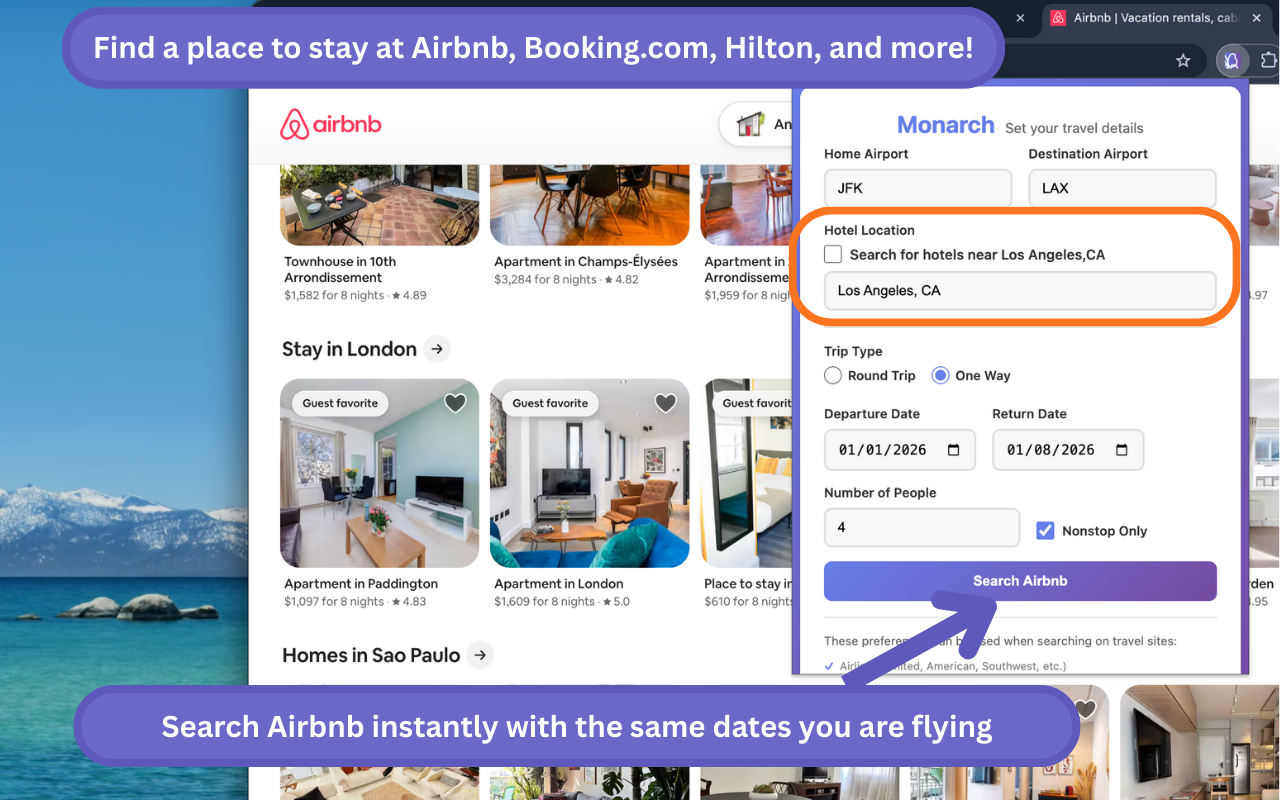
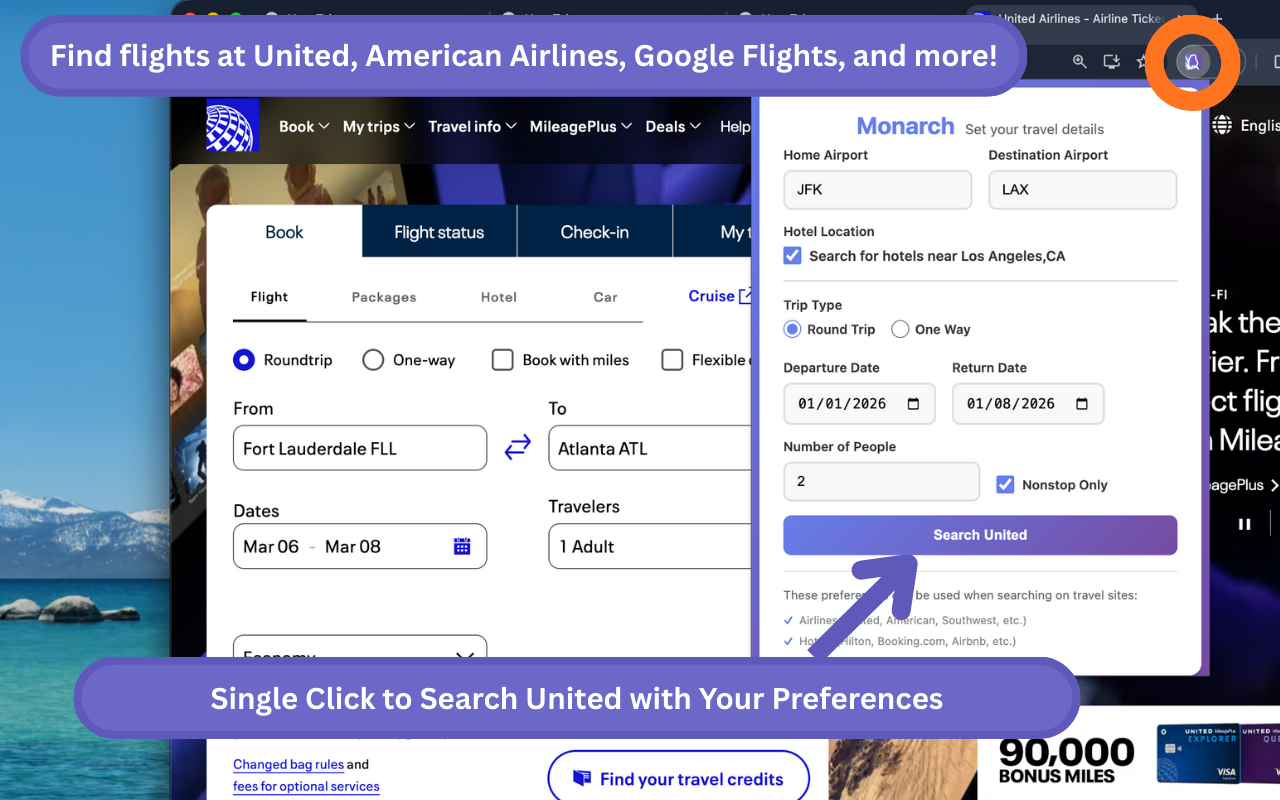
Click the extension icon
Open Monarch from the toolbar when you’re ready to plan a trip.
Enter your trip details
Add dates, airports, passengers, and cabin class. Your choices are saved for next time.
Save and search
Use Save and Search to open your supported sites with your trip already filled in—no more retyping.
Search on any supported site
When you’re on a supported airline or hotel site, the extension can autofill search forms so you can search in one click.
See it in action
A few glimpses of Monarch Travel Autofill.
Supported websites
Monarch works on these airlines, hotels, and search sites. Your saved trip is ready to go with one click.
Airlines
Hotels & stays
Search
You’re all set. Click the Monarch icon in your toolbar whenever you’re ready to plan or search.
You can also try the extension in your browser without installing it.
Your trip details are stored locally in your browser and stay private.